Requirements
- A recommendation with executable migration SQL.
- GitHub sign-in and permission to install the dbtempo GitHub App.
- A connected, indexed repository.
- Source analysis and manual PR rollout flags enabled in the dbtempo environment.
Connect GitHub
- Install the app. Go to Settings → GitHub → Connect GitHub and install the dbtempo GitHub App for the required account or organization.
- Attach a repository. Select the repository and wait for indexing to finish. Confirm the detected framework and branch before continuing.
Open the PR
- Review the recommendation. Check the proposed fix, confidence, fix zone, source location, and any available before or after
EXPLAINevidence. - Check that Open PR is enabled. Open PR requires a connected repository, a GitHub sign-in, and — for a recommendation that belongs to a project — the project's Source code PRs capability set to at least Ask me first in its Auto-mode settings. When the button is disabled, its tooltip names what is missing.
- Choose the repository. If more than one repository is connected, select the target before opening the PR.
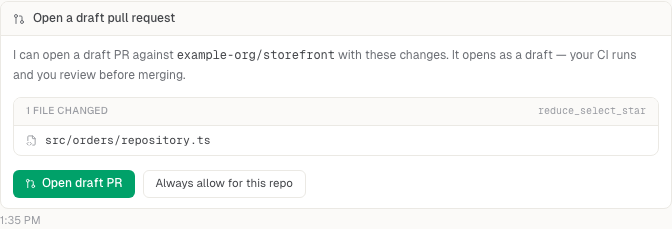
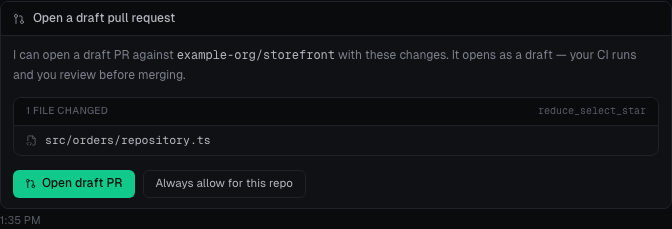
- Open the draft. Select Open PR, or approve the in-chat confirmation card. Opening PRs automatically is a separate choice, made in the project's Auto-mode settings.
Review the draft
The draft PR includes generated code changes, a changed-files list, advisory migration SQL when available, and risk notes. The full execution-plan evidence and source location remain on the recommendation detail page.
Track CI and merge status from the PR card or the repo's page, linked from its project's Sources. dbtempo opens a draft; it does not merge the PR for you.